 +91 72929 29159














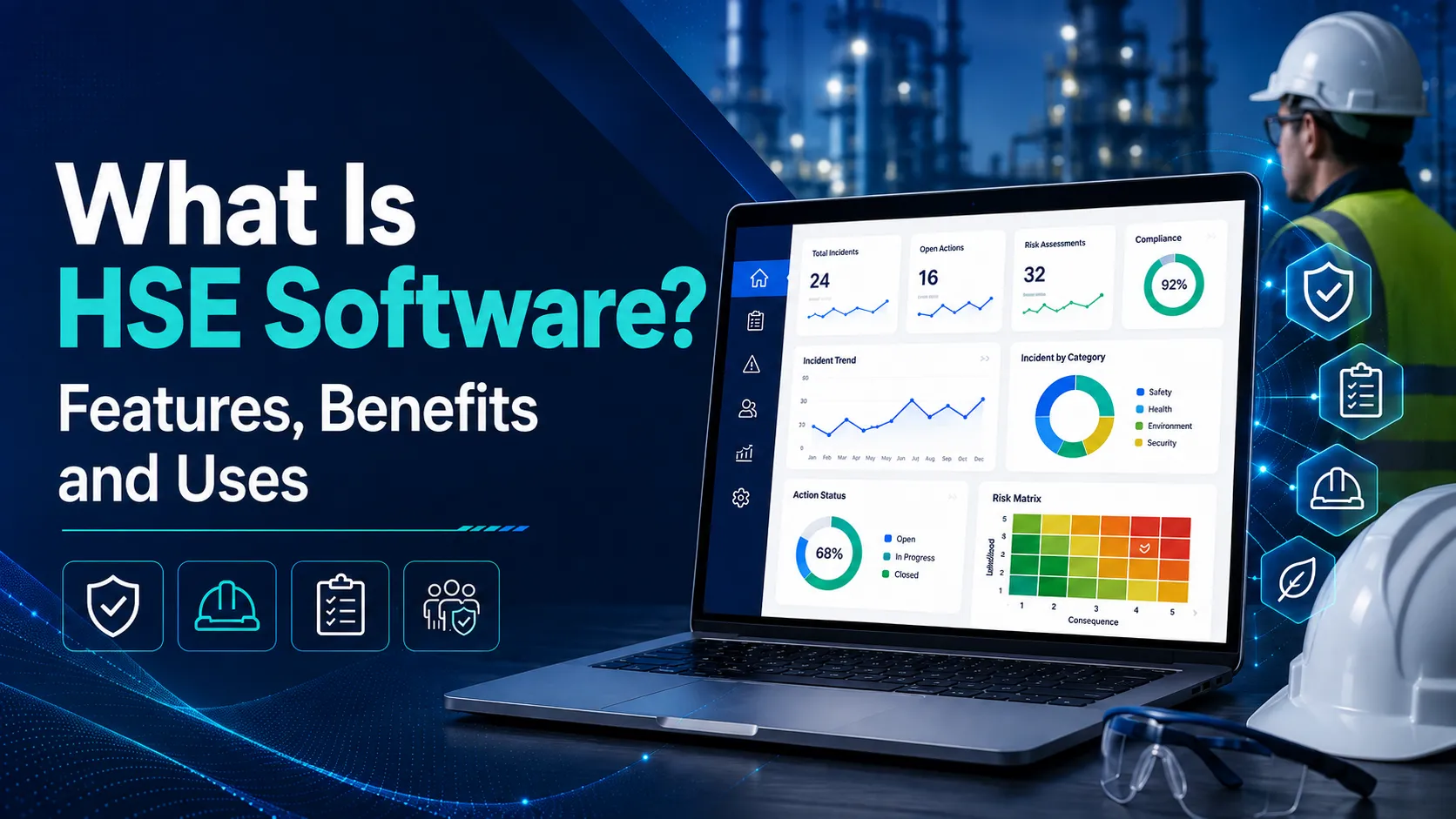
HSE software meaning is simple: it refers to a digital platform that helps organisations manage health, safety, and environmental activities in one centralised system. HSE software can support incident reporting, hazard identification, workplace inspections, corrective action tracking, compliance documentation, training records, and safety performance analysis.
HSE stands for Health, Safety, and Environment. In the United States, the term EHS software is more commonly used. Both terms generally describe the same type of environmental health and safety software used to improve safety processes, accountability, and risk visibility.
What Is the Meaning of HSE Software?
The HSE software definition covers three connected areas of workplace management. Health may include occupational health records, employee exposure monitoring, ergonomics, and work-related health concerns. Safety includes incident reporting, near-miss tracking, hazard identification, inspections, audits, risk assessments, and corrective actions. Environment may include environmental incidents, waste records, emissions data, permits, and compliance inspections.
In simple terms, health, safety, and environment software brings these activities into one digital platform. Instead of managing information through separate forms, emails, spreadsheets, and paper files, organisations can use a structured system to improve visibility, follow-up, and accountability. Features may vary depending on the software provider.
HSE Software vs. EHS Software: Is There a Difference?
The difference between HSE software and EHS software is mainly the order of the words. HSE stands for Health, Safety, and Environment, while EHS stands for Environment, Health, and Safety.
| Term | Full Form | Common Usage |
| HSE | Health, Safety, and Environment | Common in international organisations |
| EHS | Environment, Health, and Safety | More commonly used in the United States |
Both terms generally describe software used to manage workplace safety, environmental responsibilities, incidents, inspections, and compliance records. However, the exact modules and capabilities may differ between software providers.
Related Read: What Is the Difference Between EHS and HSE?
What Does HSE Software Do?
HSE software helps organisations manage safety activities through a structured digital workflow. A worker can report an incident, hazard, near miss, or unsafe condition using a mobile device or web form. The system records important details such as the location, category, severity, description, and supporting evidence.
Responsible managers then receive notifications so they can review the report, begin an investigation, or assign corrective actions. Each action can include an owner, priority, deadline, and completion status. A centralised dashboard allows safety teams to monitor open actions, identify repeated issues, compare site performance, and track whether reported risks have been properly resolved.
Core Features of HSE Software
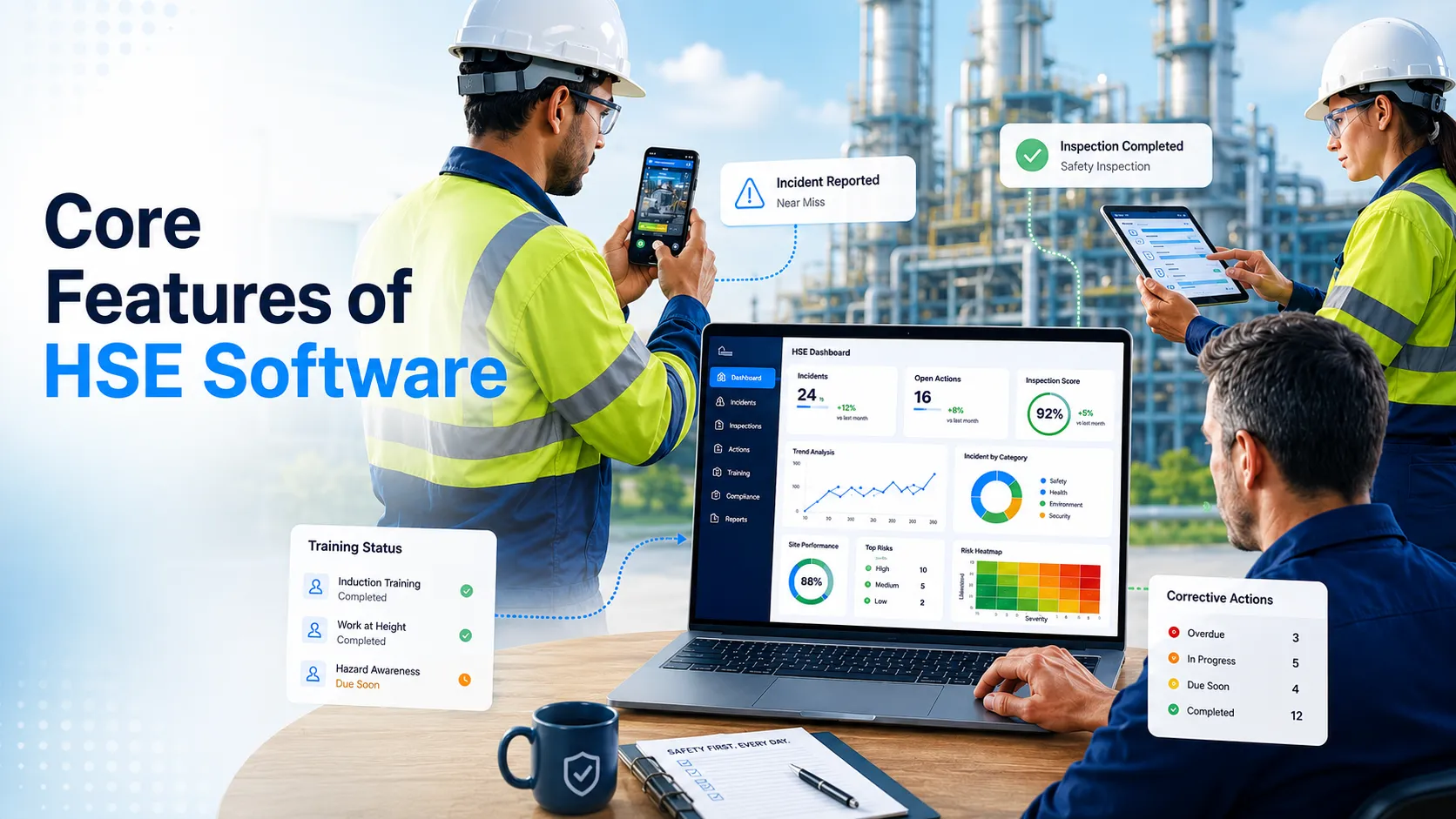
The features available in HSE management software vary by provider, but most platforms are designed to improve reporting, follow-up, documentation, and safety performance visibility.
-
Incident and Near-Miss Reporting
Employees can report injuries, illnesses, near misses, property damage, and environmental events through mobile or web forms. Reports may include photographs, descriptions, locations, and supporting evidence. Safety teams can then review, investigate, and track each case through closure.
-
Hazard Reporting and Safety Inspections
HSE inspection software helps teams conduct workplace inspections using digital checklists. Workers can also report unsafe acts, unsafe conditions, and emerging hazards. Risk ratings, photographs, and location details help safety teams prioritise findings and assign suitable controls.
-
Corrective and Preventive Action Tracking
Corrective actions can be assigned to specific owners with priorities, deadlines, reminders, and escalation rules. Completion evidence and verification steps help confirm that identified issues have been addressed instead of remaining open or being forgotten.
-
Compliance, Documents, and Training
HSE compliance software can centralise policies, procedures, inspection records, certifications, training history, and audit evidence. Automated notifications may help teams monitor document reviews, refresher training, and certification expiration dates.
-
Dashboards and Safety Analytics
Dashboards bring incident trends, recurring hazards, inspection findings, overdue actions, and site performance into one view. These insights help managers identify patterns, compare departments or locations, and make more informed safety decisions. A useful dashboard should support action, not simply display charts.
Benefits of HSE Software for U.S. Workplaces
The main benefits of HSE software come from improving how safety information is reported, assigned, reviewed, and used across the organisation.
- Faster reporting: Employees can report incidents, hazards, and near misses directly from the workplace.
- Clear accountability: Corrective actions can be assigned to specific owners with deadlines and status tracking.
- Consistent processes: Multiple sites can use standardised forms, categories, and approval workflows.
- Better visibility: Managers can monitor recurring hazards, overdue actions, inspection findings, and site-level trends.
- Reduced administrative work: Safety teams spend less time compiling spreadsheets, searching for records, and following up through email.
These EHS software benefits help organisations manage safety activities more efficiently while maintaining clearer and more reliable records.
How HSE Software Supports OSHA-Aligned Safety Programs
HSE software can support OSHA-aligned safety processes, but using software does not automatically make an organisation OSHA-compliant. Compliance depends on the employer’s actual policies, workplace controls, training, documentation, and implementation.
A digital system can make it easier for workers to report hazards, near misses, injuries, and safety concerns. Safety teams can use the platform to schedule inspections, document investigations, assign corrective actions, track training records, and verify whether identified risks have been addressed.
Dashboards and reports can also support periodic program evaluation by showing reported hazards, recurring issues, overdue actions, and worker participation. These capabilities align with areas covered in OSHA’s Recommended Practices, including worker participation, hazard identification, training, prevention and control, and continuous program improvement.
Who Uses HSE Management Software?
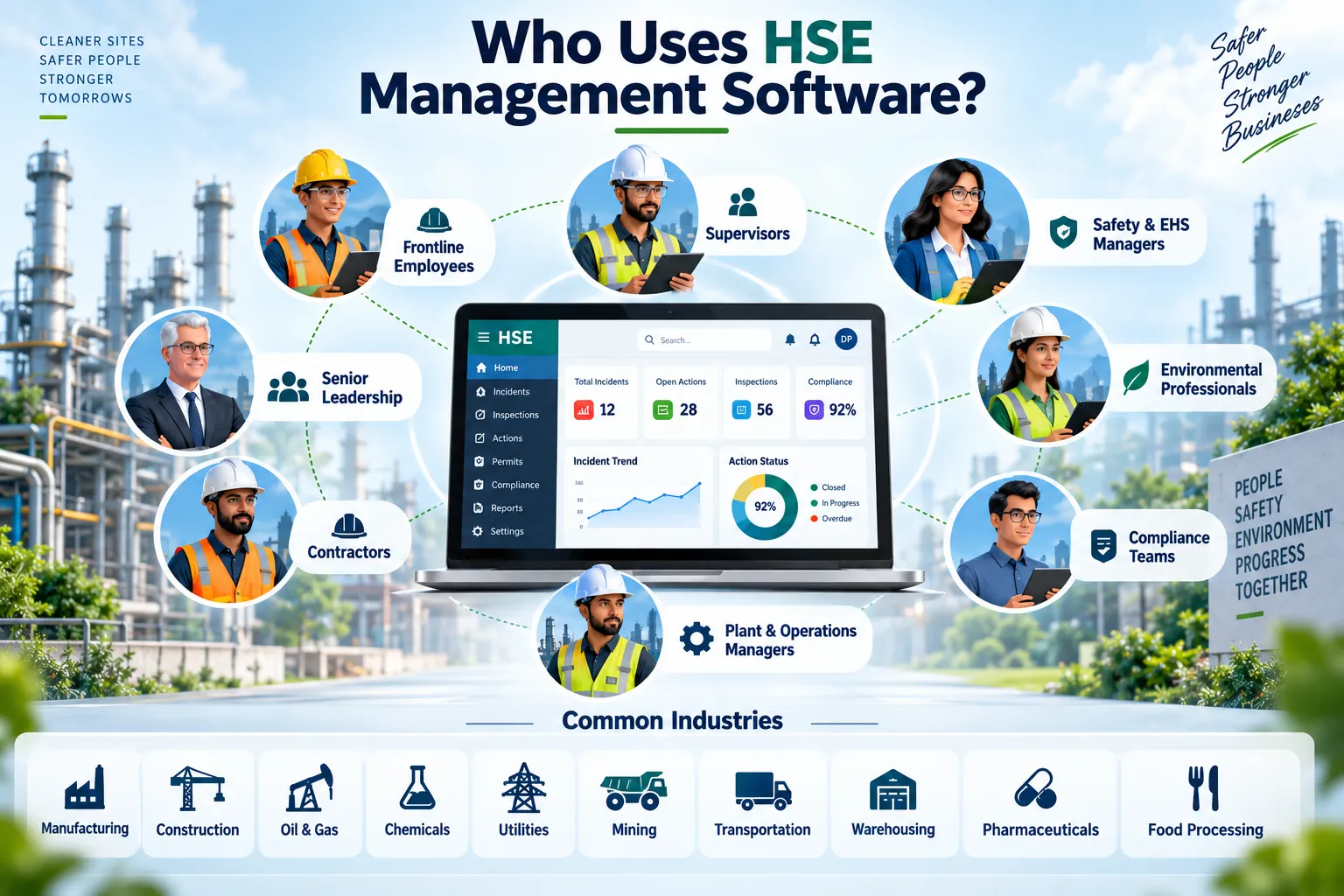
HSE management software is used by different teams across an organisation:
- Frontline employees: Report hazards, near misses, unsafe conditions, and incidents.
- Supervisors: Review reports, assign corrective actions, and monitor completion.
- Safety and EHS managers: Manage investigations, inspections, audits, risk assessments, and compliance records.
- Environmental professionals: Track environmental incidents, permits, waste, and inspection data.
- Compliance teams: Maintain documentation, audit evidence, certifications, and regulatory records.
- Plant and operations managers: Monitor site-level risks, recurring issues, and overdue actions.
- Contractors: Complete inductions, report hazards, and follow site safety requirements.
- Senior leadership: Review dashboards, trends, and overall safety performance.
Common industries using HSE software include manufacturing, construction, oil and gas, chemicals, utilities, mining, transportation, warehousing, pharmaceuticals, and food processing.
A Practical HSE Software Example
Consider a worker who notices a damaged machine guard in a manufacturing facility. A typical hazard reporting software may include:
- The worker submits a digital hazard report with a photo and equipment location.
- The supervisor receives an alert and restricts the machine from use.
- A corrective action is assigned to the maintenance team with a deadline.
- Maintenance repairs or replaces the damaged guard and uploads completion evidence.
- The safety team verifies the repair before closing the action.
- Management checks similar machines across other locations to determine whether the same hazard exists elsewhere.
How to Choose the Right HSE Software
When evaluating HSE management system software, organisations should consider:
- Mobile usability: Workers should be able to report hazards and incidents easily from the field.
- Configurable workflows: Forms, approval stages, categories, and alerts should match existing processes.
- Core capabilities: Review incident, inspection, hazard, audit, and corrective-action functions.
- Multi-site reporting: Confirm that managers can compare performance across locations.
- Security and permissions: Look for role-based access, audit trails, and reliable data protection.
- Integrations: Check compatibility with HR, training, maintenance, and ERP systems.
- Implementation support: Evaluate data migration, user training, configuration, and ongoing technical support.
Request a demonstration based on a real workplace workflow, not dashboards alone.

Conclusion
Understanding HSE software meaning helps organisations see how digital tools can improve hazard reporting, incident management, inspections, corrective actions, compliance tracking, and safety performance visibility. In the United States, this type of platform is commonly called EHS software.
CORE-EHS combines practical safety expertise with configurable digital solutions designed for different industries, sites, and operational needs. Explore our EHS software solutions to build more connected, accountable, and proactive workplace safety processes.